
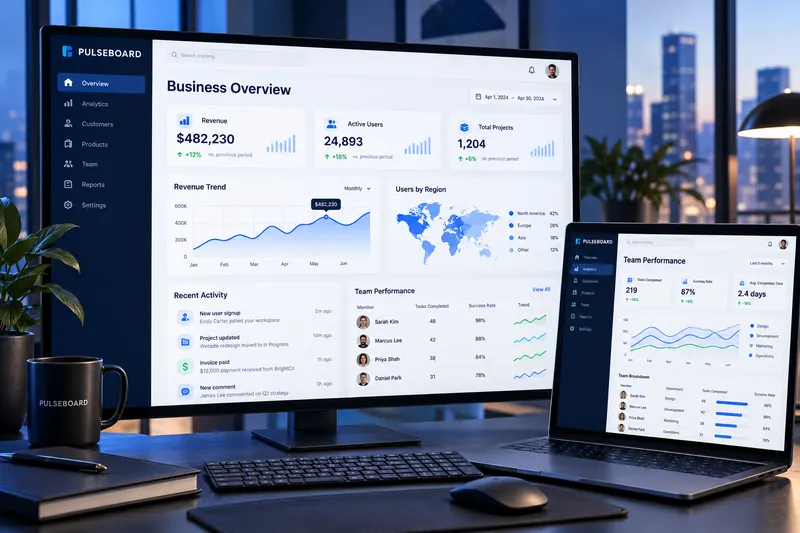
 Dashboard UI Design
UX / UI Design · Melbourne Design Studio
UX/UI Design for Clearer Digital Experiences
Make complex tasks easier to understand and complete. We combine evidence-led UX with polished interface design for websites, apps and software products.
- 20+ yearsdesign and UX experience
- Melbourne-basedstudio in Truganina, VIC
- One teamstrategy, design and build
- Free quotesclear and no obligation
UX / UI Design at Melbourne Design Studio
We examine user goals, business rules and content before styling screens. Flows and wireframes test the structure; prototypes test interaction; the UI system brings consistency to the final product.
What’s included
Typical deliverables for UX / UI design. Your proposal confirms the exact scope, so you only pay for what you need.
Journey maps
Visual maps of how customers discover, choose and use your service, highlighting pain points and opportunities.
Flows
Step-by-step task flows that make every path through your product clear before screens are designed.
Information architecture
Navigation and content structure organised around how your users think, not your internal departments.
Wireframes
Low-fidelity layouts that test priorities and structure quickly, before time is spent on visual polish.
Interactive prototypes
Clickable prototypes that let you test ideas with real users and stakeholders before development.
Interface design
Polished screens with clear hierarchy, consistent patterns and a visual style that reflects your brand.

Components and design systems
Reusable components and design tokens that keep products consistent and speed up future work.
Accessibility considerations
Colour contrast, focus states, labels and readable type considered throughout the design.
Developer handoff
Organised design files, specifications and annotations so developers can build accurately.
UX / UI Design – selected work
Projects that show this kind of work in practice.
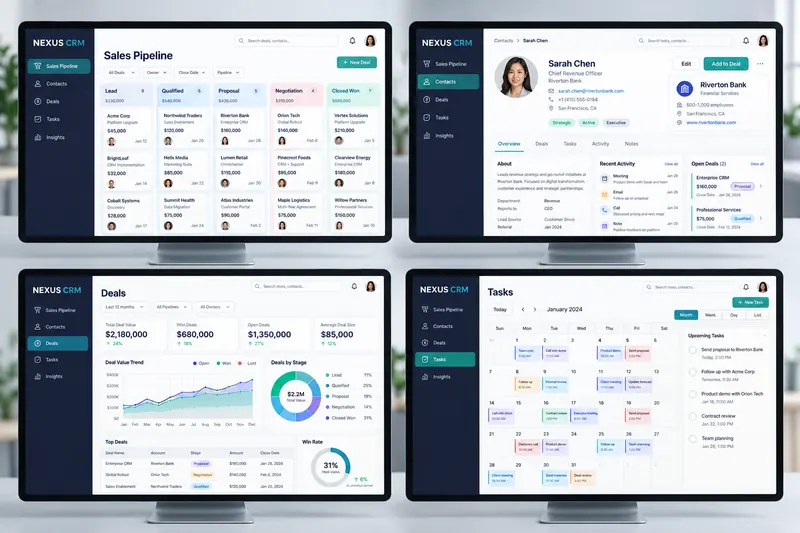
Dashboard UI DesignCRM Software DesignNexus Sales CRM
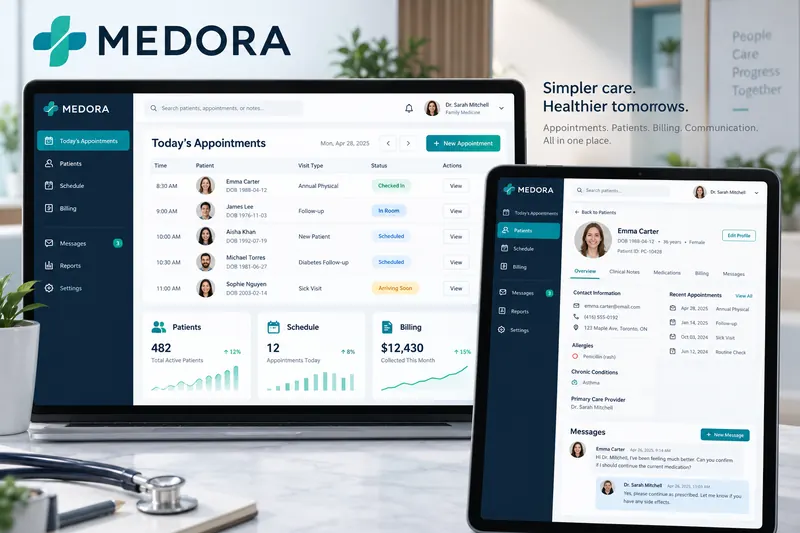
View case studyHealthcare SoftwareMedora Clinic Management System
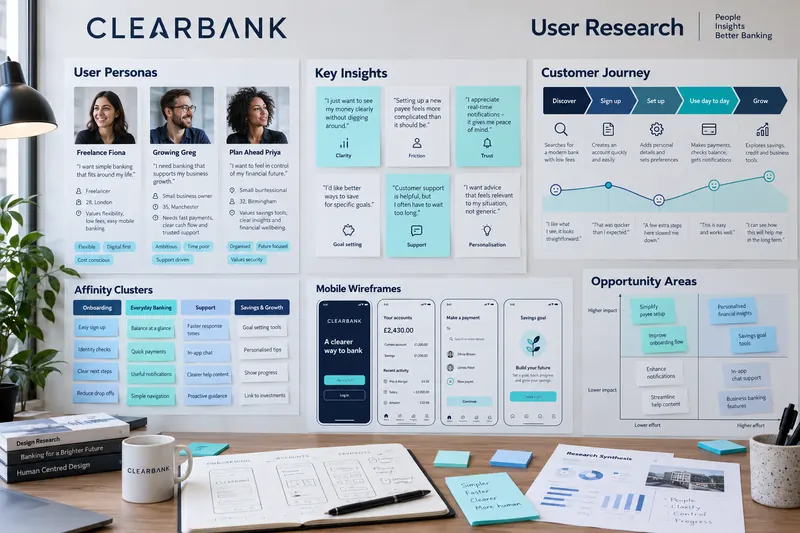
View case studyUX ResearchClearBank User Research
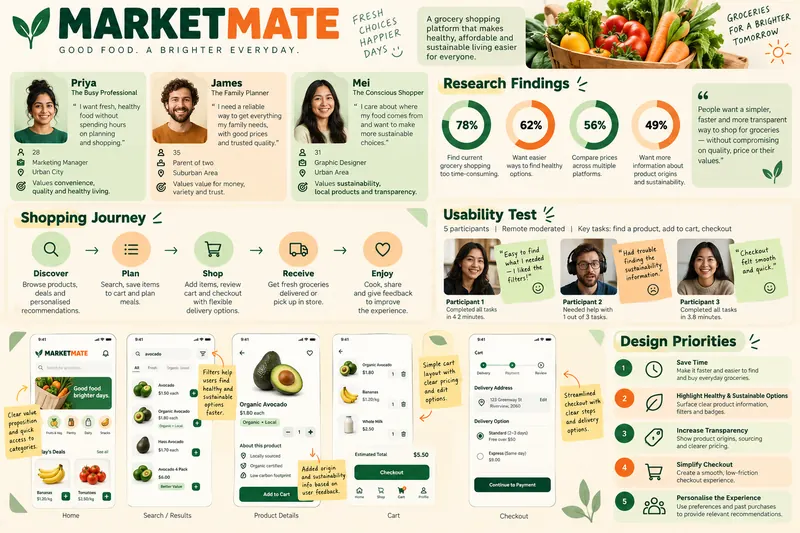
View case studyUX ResearchMarketMate Grocery App Research
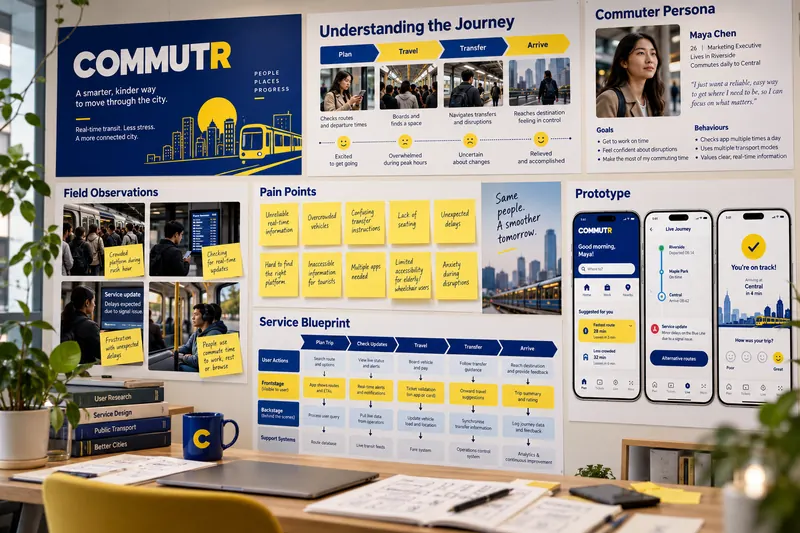
View case studyService Design ResearchCommutr Transport UX Research
View case studyInclusive UX ResearchKinCare Connect Aged-Care Research
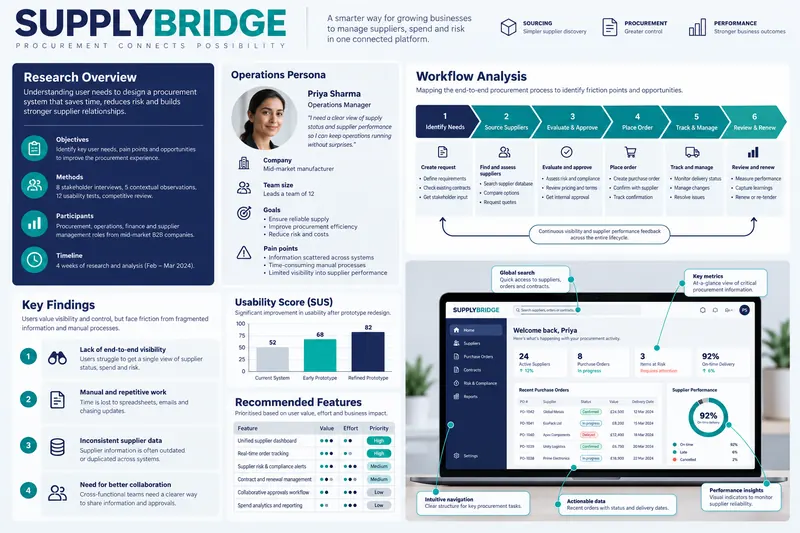
View case studyEnterprise UX ResearchSupplyBridge Procurement Research
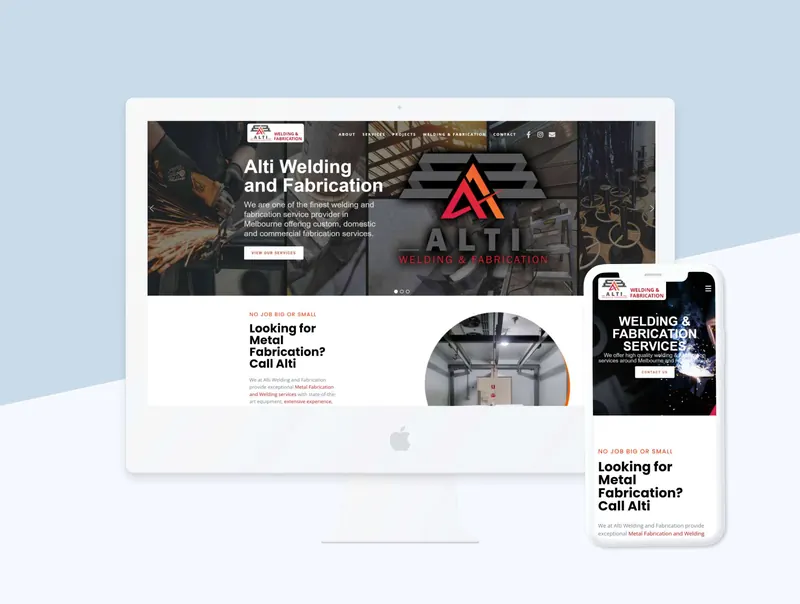
View case studyTrades and Industrial Web DesignAlti Welding and Fabrication Website
View case studyHow we work
Agree the decision the work must support and how success will be judged.
Review, test or research with the right method for the question.
Turn findings into clear patterns, priorities and design direction.
Share prioritised recommendations your team can act on.
Related services
Frequently asked questions
Answers to common questions about UX / UI design. If yours is not here, ask us directly.
What is the difference between UX and UI?
UX, or user experience, shapes how the experience works: the structure, flows and decisions that help people complete tasks. UI, or user interface, shapes how it looks and responds: layout, typography, colour and interactive states. Good products need both working together.
Do you use Figma?
Figma is commonly used for design and prototyping, and the tools for your project are confirmed in the proposal. We can also work within your existing design tools and libraries.
Can you redesign an existing product?
Yes. We usually start with research or an expert evaluation to understand what is working and what is not, then prioritise improvements so changes are based on evidence rather than opinion.
Can you work with our design system?
Yes. We can design within your existing system, extend it with new components, or help create one if your product has grown inconsistent over time.
Do you test designs with users?
User testing can be included at the right points in the project, such as testing a prototype before development. The method and number of participants depend on the questions you need answered.
How do you hand designs over to developers?
We supply organised design files, component specifications, interaction notes and assets, and stay available to answer questions during development so the final build matches the design intent.
From the blog
Guides on UX / UI design
Practical articles from our team to help you plan and make informed decisions.
 UX & Conversion
What Is a UX Audit and When Does a Website Need One?
Learn what a UX audit reviews, which evidence it uses and how findings become prioritised improvements for a website or application. UX & Conversion
Mobile-First Web Design: What It Means in Practice
Understand mobile-first planning for content priority, navigation, forms, performance, accessibility and responsive layouts. UX & Conversion